What a Weidian spreadsheet is, and how to judge one
A spreadsheet here means a browsable catalogue of products somebody has already found, photographed and sorted. Some are maintained. Many are not, and the difference shows up as dead links.
Browse by category
Sixteen categories, each opening the matching section of a live catalogue. Womenswear runs as a search rather than a category, because no single category covers it.
 SneakersCategory
The category people arrive for. Sizing notes matter more here than anywhere else.
 Jackets & CoatsCategory
Heavy, so shipping weight decides the final bill more than the item price does.
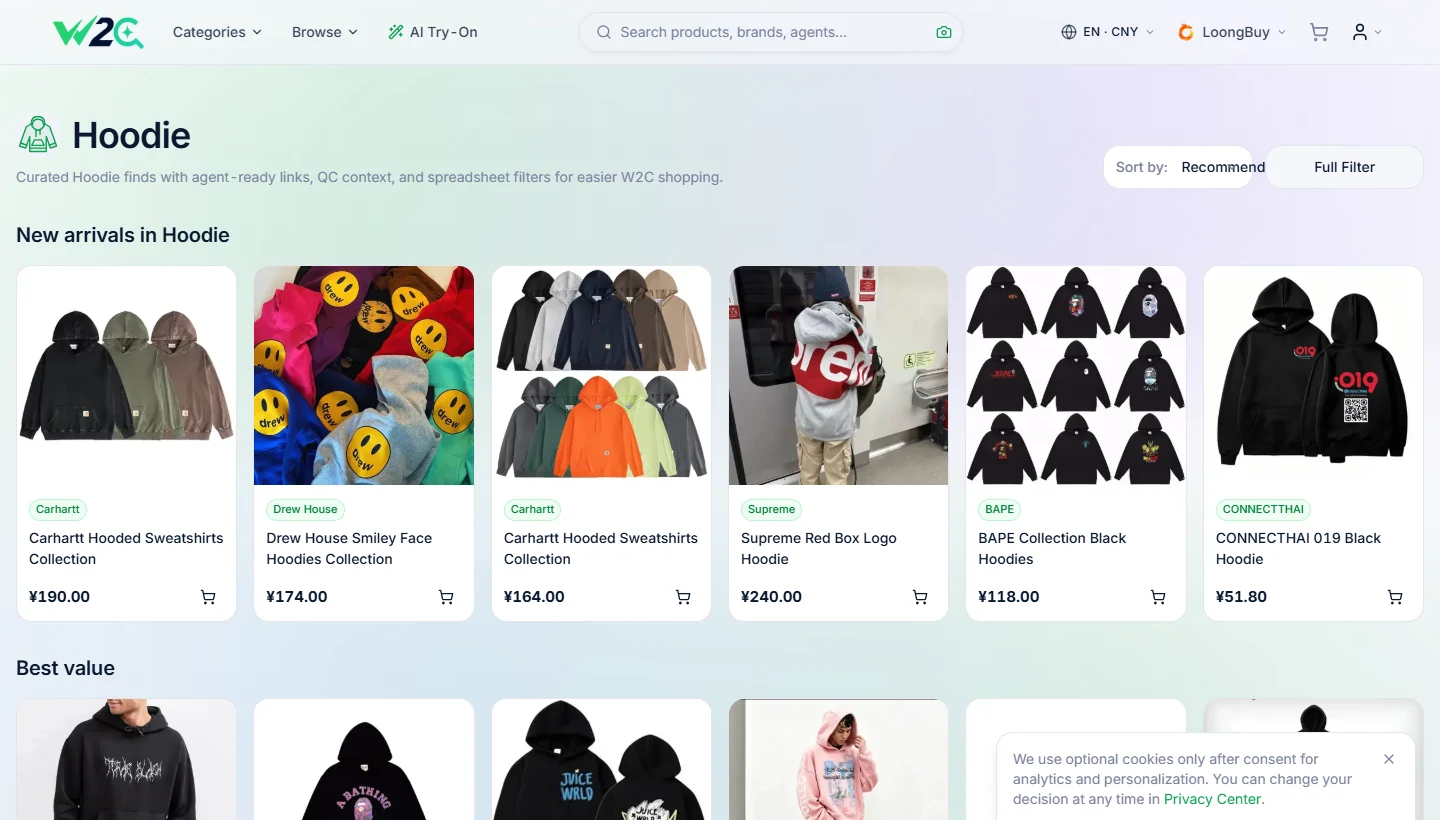
 HoodiesCategory
Usually sold by chest measurement rather than S/M/L. Ask for the number.
 T-ShirtsCategory
Light enough that adding one to an existing parcel costs very little.
 JeansCategory
Waist and inseam are listed in centimetres. Convert before you commit.
 SweatpantsCategory
Often sold as a set with a matching top, so check what the price covers.
 WomenswearSearch results
There is no single womenswear category, so this one runs as a search instead.
 JerseysCategory
Player name and number are usually a separate charge. Confirm before paying.
 BagsCategory
Hardware and lining are what photos get asked about most often.
 HatsCategory
Small and light, which makes them the usual filler in a combined parcel.
 BeltsCategory
Length is cut to order by some sellers, so say your waist size in the note.
 EyewearCategory
Fragile. Worth asking whether the case ships inside the parcel or separately.
 PerfumeCategory
Liquids are restricted on most air routes. Check the line before you order.
 JewelleryCategory
Plating thickness is the thing listings rarely state and photos cannot show.
 WatchesCategory
Movement type changes the price band completely. It is worth asking which one.
 ElectronicsCategory
Batteries limit which routes will carry the parcel at all.
It is a shop window, not a document
The word misleads people, so it is worth being blunt. This is not a file you download and it is not a grid of cells. It is a catalogue you look through: pictures, categories, a price under each item, and a way through to the seller's own listing.
The reason it exists was covered on the previous page. Weidian gives every seller their own island and no way to browse between islands, so the finding has to happen somewhere else. A spreadsheet is where it happens.
What you get out of it is a link, and that link is the thing you hand to an agent. Everything on this site after this page is about that handover.
Judge a spreadsheet by its dead links, not its size
Every catalogue advertises how many items it holds. That number tells you almost nothing, because adding entries is cheap and removing stale ones is work nobody enjoys.
Three checks separate a maintained catalogue from an abandoned one, and all three take about a minute:
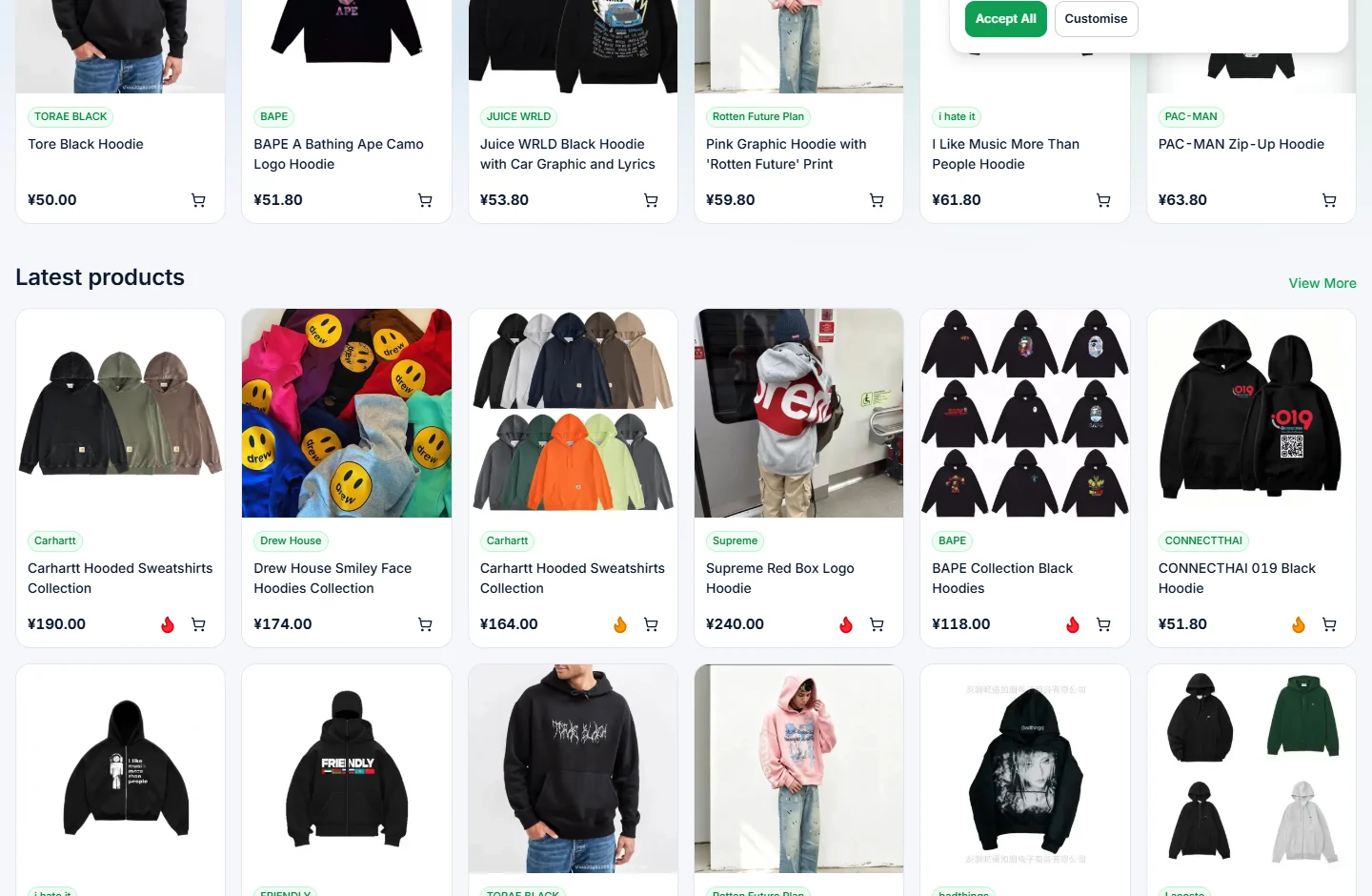
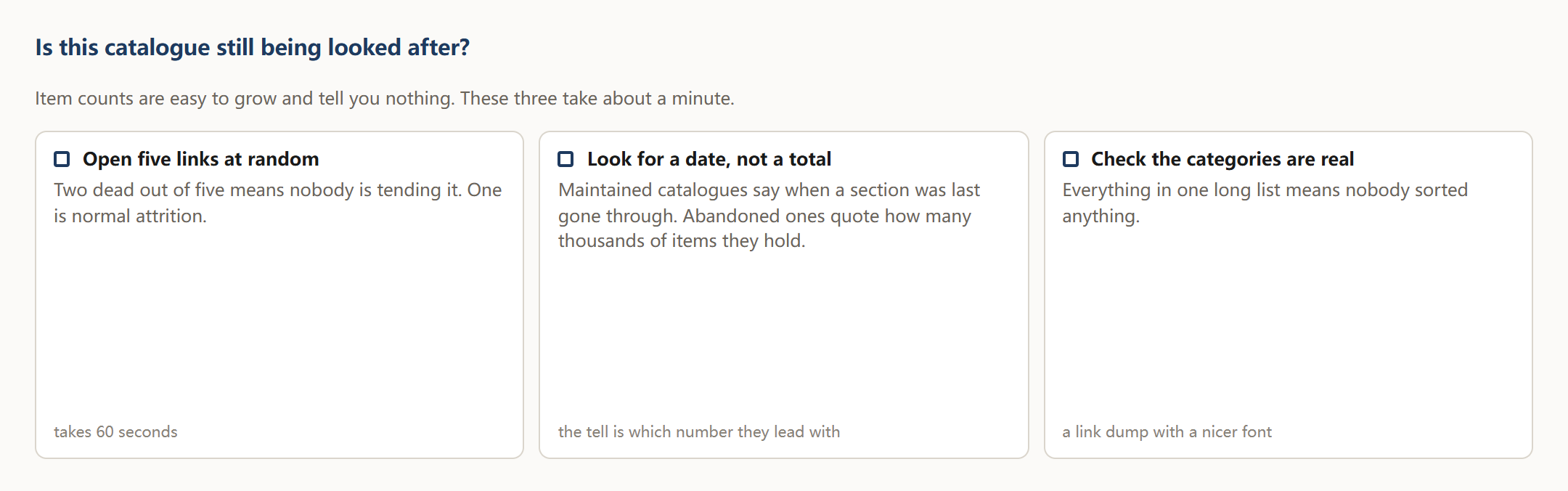
- Open five links at random. If two of them land on a dead listing or an empty shop, the catalogue is not being tended. One out of five is normal attrition.
- Look for a date. Maintained catalogues say when a section was last gone through. Abandoned ones talk about how many thousands of items they hold instead.
- Check whether categories are real. If everything is dumped into one long list, nobody has sorted anything, and you are reading a link dump with a nicer font.
Apply those three to this site as well. We would rather you did.
How to use it
Why categories beat search when you do not know the words
Searching assumes you already know what the thing is called. A great deal of what sells through Weidian is known by a nickname, a batch name or a seller's own shorthand, and typing the obvious English word returns either nothing or everything.
Browsing a category sidesteps that. You recognise the thing by sight, open it, and let the listing tell you what its name is. Then the search box becomes useful, because now you have the right words to put in it.